
Performance Tuning
Fine-tune how your ThinkPad manages processor power and frequency scaling.
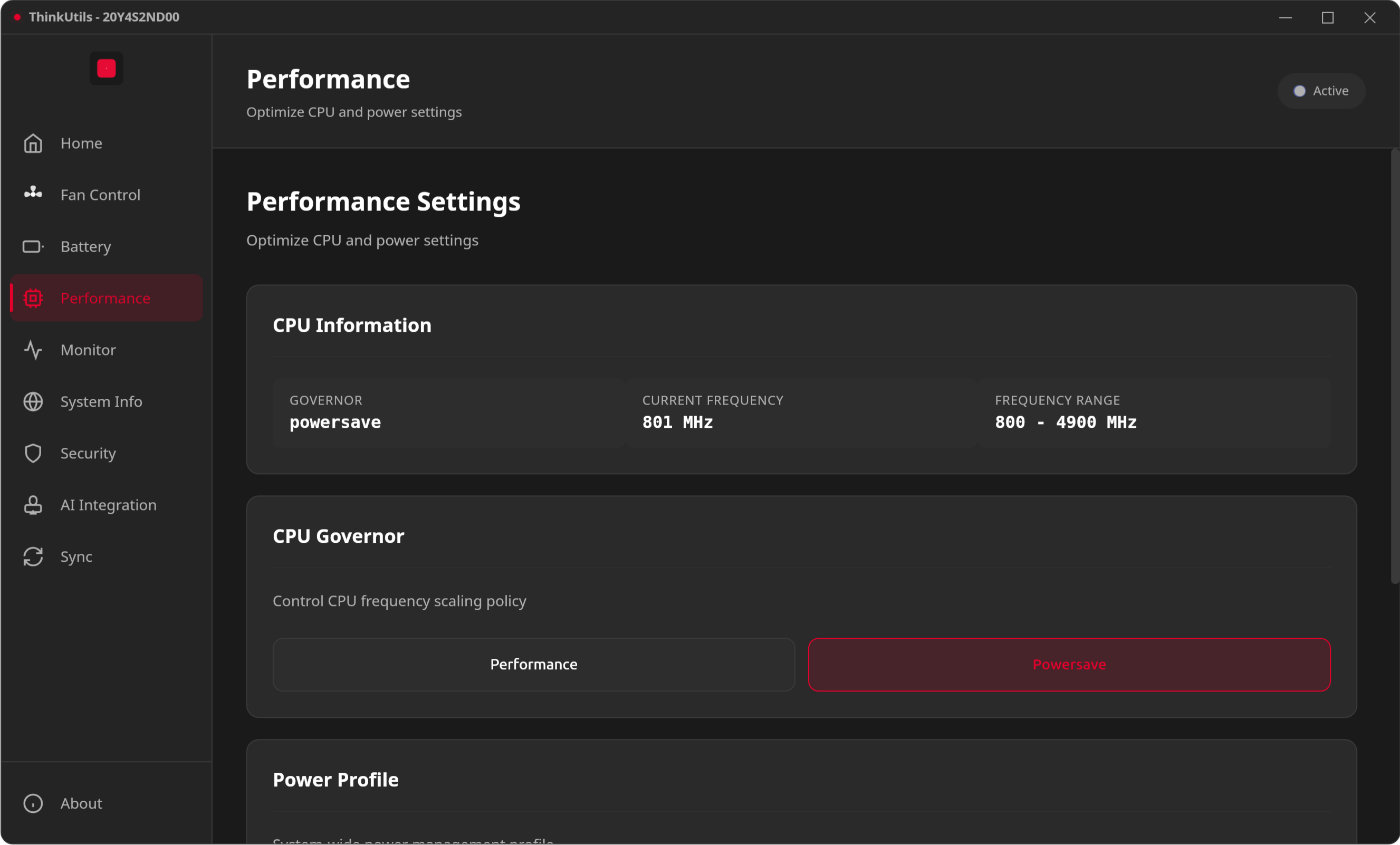
CPU Governor
Choose a scaling policy:
| Governor | Behavior |
|---|---|
| performance | Maximum speed at all times |
| powersave | Minimum frequency for battery life |
| schedutil | Intelligent scheduling-based scaling |
| ondemand | Dynamic adjustment based on load |
Power Profiles
System-wide power management that coordinates CPU, GPU, and other components:
- Power Saver — Maximum battery life
- Balanced — Default, adapts to workload
- Performance — Maximum throughput
Turbo Boost
Toggle Intel Turbo Boost on or off:
- Enabled: CPU boosts above base frequency for burst performance
- Disabled: Reduces heat and power consumption, more predictable thermals
Frequency Monitoring
Watch your CPU frequency scale in real-time with min/max ranges for each core.
INFO
Performance settings are not auto-applied on startup to avoid triggering a password prompt every launch. Apply them manually from the Performance page or Home dashboard.