
Settings Sync
Sync your ThinkUtils configuration to Google Drive and restore it on any ThinkPad.
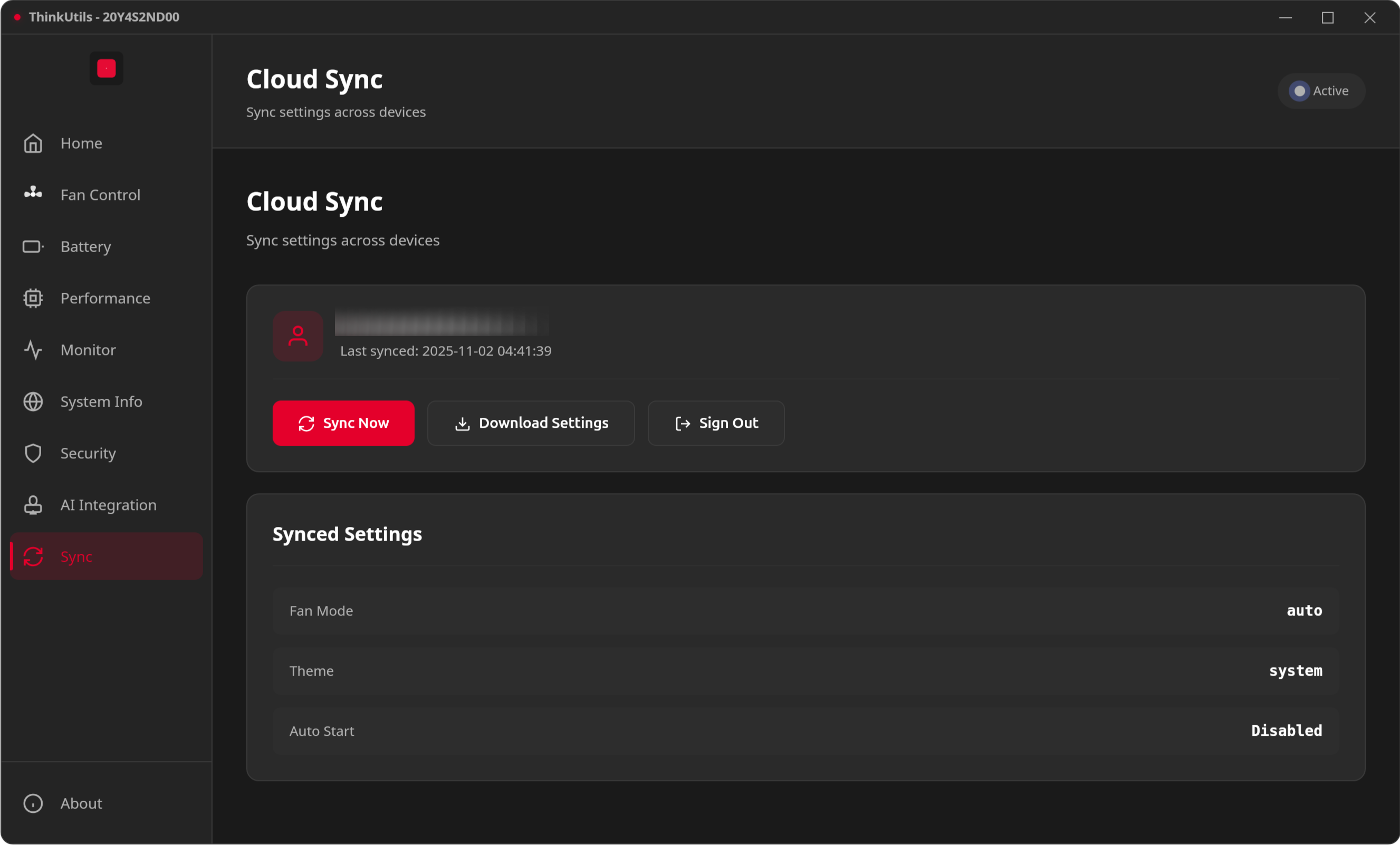
Features
- Cloud Backup: Save fan mode, battery thresholds, and app preferences to Google Drive
- Cross-Device: Keep settings consistent across multiple ThinkPads
- Secure: OAuth authentication — your credentials never touch ThinkUtils servers
Usage
- Click Sign in with Google
- Authorize ThinkUtils to access Google Drive
- Sync Now to backup current settings
- Download Settings to restore from cloud
Settings are stored as thinkutils_settings.json in your Google Drive root.
Setup
Google Drive sync requires OAuth credentials. This is a one-time setup for developers building from source.
See Google OAuth Setup for configuration instructions.
INFO
Pre-built releases may come with OAuth already configured. Check the release notes.